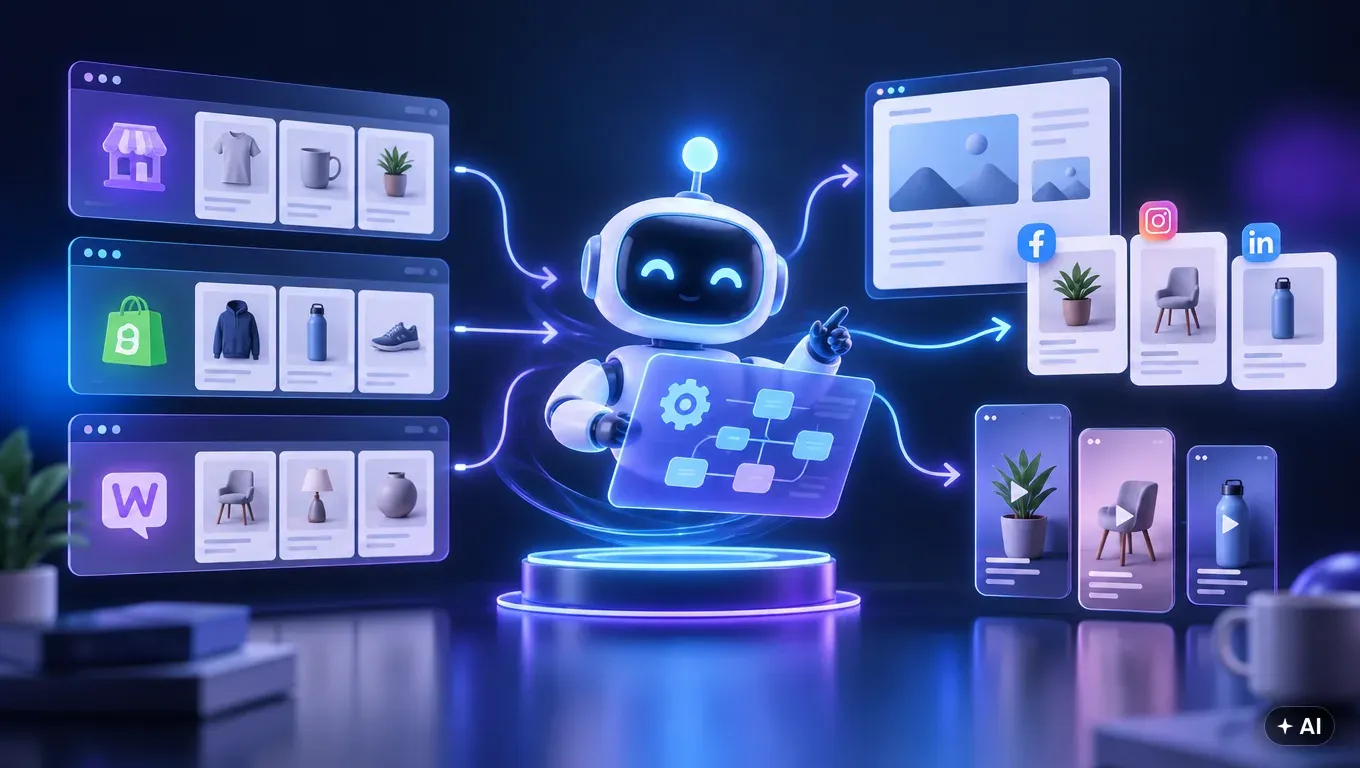
Integrating an online store with artificial intelligence tools does not require writing a single line of code or hiring a developer. Modern e-commerce platforms offer ready-to-use APIs along with dedicated apps and plugins, making product catalog connection a matter of minutes. All it takes is generating access keys in the admin dashboard or installing an official app to allow algorithms to securely read product inventory data and automate content publishing.
Why API Integration Beats Manual Data Copying
Running an online store demands regular content creation: blog articles, product descriptions, and social media posts. Copying product names, technical specifications, current pricing, and links into external tools is time-consuming and error-prone. Manual data entry also means marketing assets quickly become outdated whenever stock levels or prices change.
Connecting an e-commerce platform via API solves this issue at its root. The AI tool gains direct, secure access to your product catalog, retrieving only the necessary details: categories, brands, specifications, descriptions, and images. As a result, all published materials are built on accurate data from your inventory, eliminating the need to manually update spreadsheets.
How to Prepare Your Store for AI Automation
Before diving into the technical setup, ensure that your store data is well-organized. The quality of AI-generated content directly depends on the quality of the source data. Make sure to cover the following essentials:
- Consistent naming and categories: Make sure products are logically assigned to categories and have clear names.
- Complete technical specifications: Dimensions, materials, color variants, and intended uses are critical details used to create informative, value-driven guide articles.
- High-quality product images: Systems automating social media and blogs rely on product photos to generate visuals and video content.
- Administrator access rights: You will need admin privileges in your store dashboard to generate API keys or install extensions.
Step-by-Step Integration: Shoper, Shopify, and WooCommerce
Each leading e-commerce platform provides a straightforward mechanism for connecting external tools. Below is a guide on how to complete the process depending on your store engine.
Shoper: Installation via the App Store
For Shoper, the process is streamlined through the official app store. You do not need to manually generate tokens or configure webhooks.
- Log in to your Shoper admin panel.
- Navigate to Add-ons and integrations > Applications.
- Search for the dedicated app in the Shoper App Store and click install.
- Accept the required permissions for reading the product catalog and creating blog posts.
- The app automatically establishes a secure connection, and you finalize the configuration in the AI tool dashboard.
Shopify: Secure Connection via API
Shopify allows integration through standard custom app setups or dedicated API connections.
- In your Shopify admin panel, go to Settings > Apps and sales channels.
- Select the custom app configuration option (Develop apps).
- Create a new integration app and configure the API permission scopes (read access for products and write access for blog posts).
- Install the app and copy the generated API key and access token into your marketing tool dashboard.
WooCommerce: WordPress Plugin or REST API Keys
For WordPress and WooCommerce users, the most convenient method is installing the dedicated MediaAgentAI plugin or using the native WooCommerce REST API.
- If using the dedicated plugin: download the MediaAgentAI plugin, install it via Plugins > Add New, and activate it.
- If connecting via REST API: navigate to WooCommerce > Settings > Advanced > REST API.
- Click Add key , assign Read/Write permissions, and generate the Consumer Key and Consumer Secret.
- Paste the generated credentials into the AI tool integration panel to establish the connection.
Comparison of Integration Methods Across Top Platforms
The choice of platform determines the connection method, but in every case, setup requires only a few clicks in the administration panel.
| Platform | Connection Method | Technical Knowledge Required | Setup Time |
|---|---|---|---|
| Shoper | Shoper App Store App | None (one-click installation) | Approx. 2–3 minutes |
| Shopify | Shopify API Integration | Basic (copying tokens) | Approx. 5 minutes |
| WooCommerce | MediaAgentAI Plugin or REST API | Basic (plugin installation) | Approx. 3–5 minutes |
| IdoSell / Custom API | API keys in store dashboard | Basic (pasting credentials) | Approx. 5 minutes |
How Media Agent AI Automates Marketing Based on Your Inventory
Once the technical connection is established, your store gains access to state-of-the-art content solutions. Media Agent AI is an autonomous media agent that creates and publishes articles, graphics, social posts, and videos based on your actual product catalog. The tool supports stores running on Shoper, Shopify, IdoSell, WordPress with WooCommerce, Trafishop, as well as standard WordPress websites, service businesses, and systems with custom client APIs.
The integration is a one-time setup and requires no developer assistance. Media Agent AI retrieves categories, brands, prices, promotions, descriptions, specifications, and product images. Using this data, it builds a brand profile and schedules content. Ready SEO blog posts are pushed directly to your store CMS, while social posts and short product videos (Reels, TikTok, YouTube Shorts) are published directly to connected Facebook, Instagram, TikTok, and YouTube accounts. You choose the operating mode: review and approve each piece in the Content Studio or rely on full automation.
A consistent online presence is the cornerstone of long-term visibility. Keep in mind that SEO and GEO (Generative Engine Optimization—visibility in AI engine answers like ChatGPT, Perplexity, and Google AI Overviews) are long-term strategies that reinforce your domain authority and rankings month after month.
If you want to see how easy it is to connect your catalog, see how store integration with Media Agent AI works step by step and test the tool risk-free.
Summary
- Connecting a store to artificial intelligence requires no developer or coding skills—it is done via turnkey apps or API keys.
- A ready-made App Store application is available for Shoper, and a dedicated MediaAgentAI plugin is provided for WordPress.
- API integration eliminates manual data copying and ensures marketing content is grounded in real product specifications.
- Media Agent AI autonomously creates and publishes articles, graphics, posts, and videos based on data pulled from your store.
- Building organic visibility in Google and AI models is a long-term investment that requires ongoing consistency.
Frequently Asked Questions
Do I need a developer to integrate my store with Media Agent AI?
No, the integration does not require coding or technical expertise. All settings and connections via API or dedicated plugin can be completed independently by the store owner in a few minutes.
Which e-commerce and CMS platforms does Media Agent AI support?
The tool supports Shoper, Shopify, IdoSell, WordPress with WooCommerce, Trafishop, and custom client APIs. It also works with standard WordPress websites without an e-commerce module and for service-based businesses.
What store data does the AI retrieve during integration?
Media Agent AI collects categories, brands, current pricing, promotions, text descriptions, technical specifications, and product images. This data serves as the foundation for generating blog posts, social updates, and videos.
Can I review articles and posts before they are published?
Yes. The store owner has complete control over the workflow and can review and approve generated content in the Content Studio or switch the system to fully autonomous publishing.